
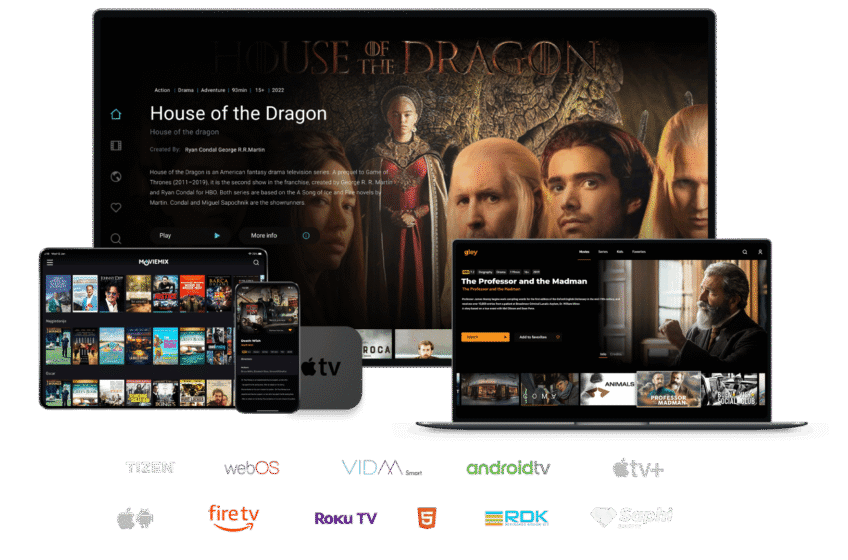










1: From your device's home screen, go to the "Search" option.
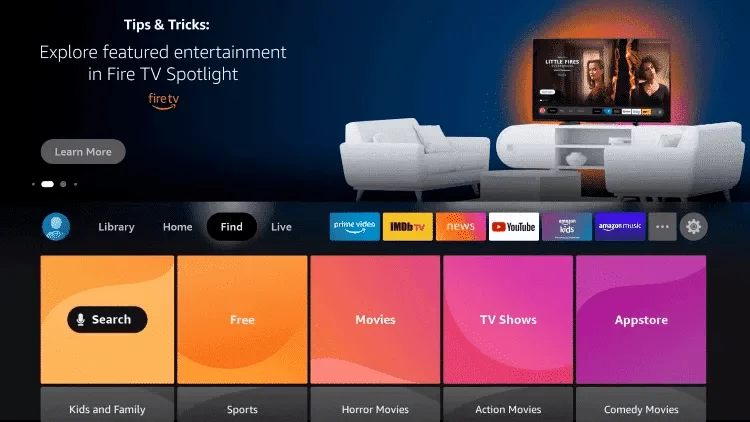
2: Click on "Search".
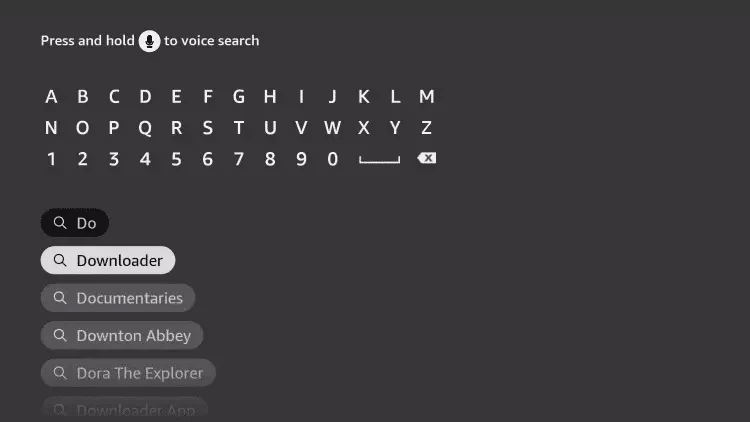
3: Search for and select "Downloader".
4: Select the "Downloader" app.
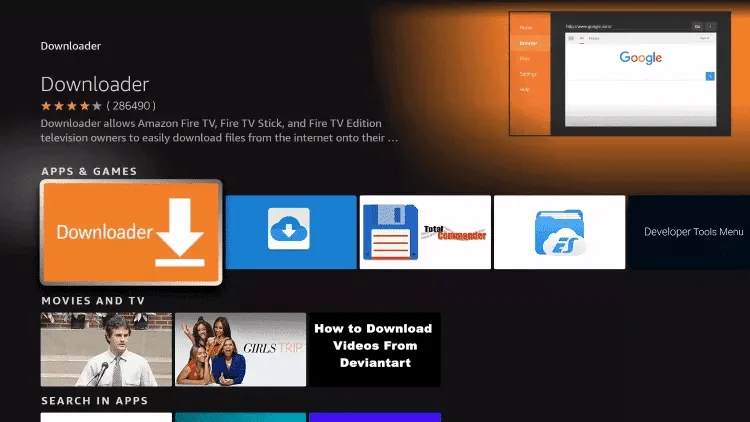
5: Click "Download".
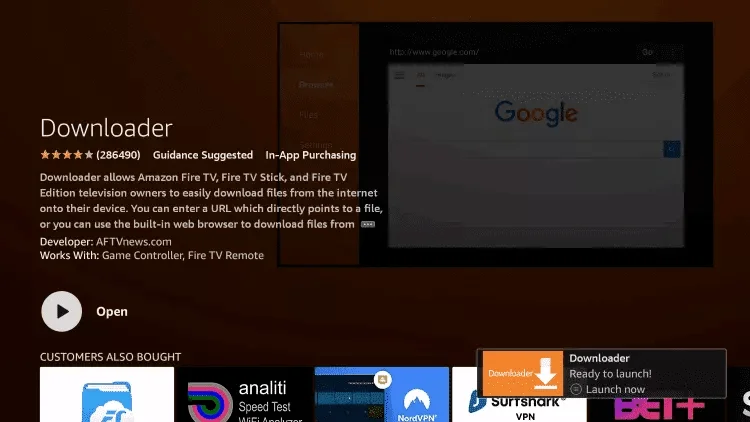
6: Once the installation is complete, click "Open".
7: Go back to the home screen and open "Settings".
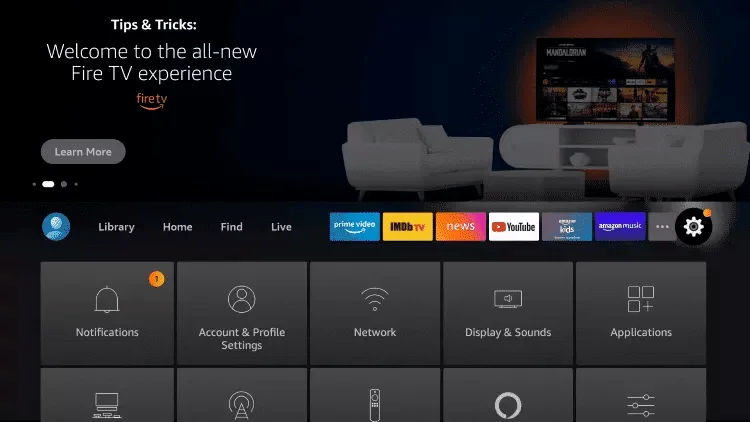
8: Click on "My Fire TV" and then follow this video to enable developer mode:
Watch the video
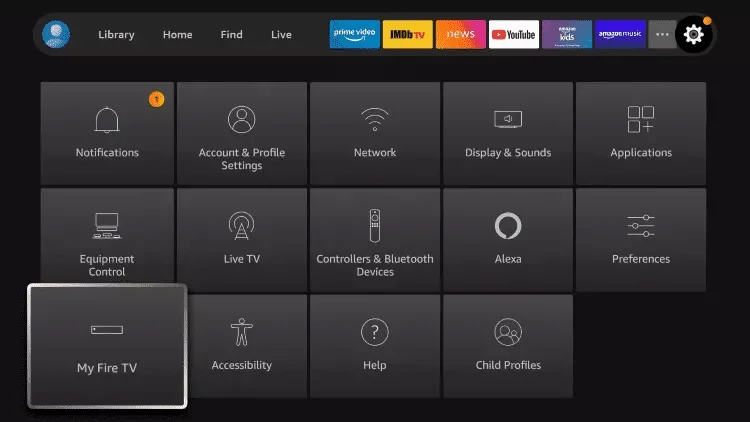
9: Select "Developer Options".
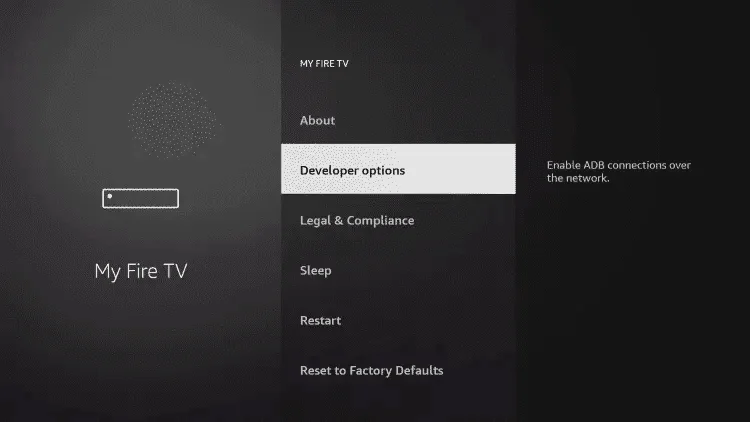
10: Click on "Install unknown apps".
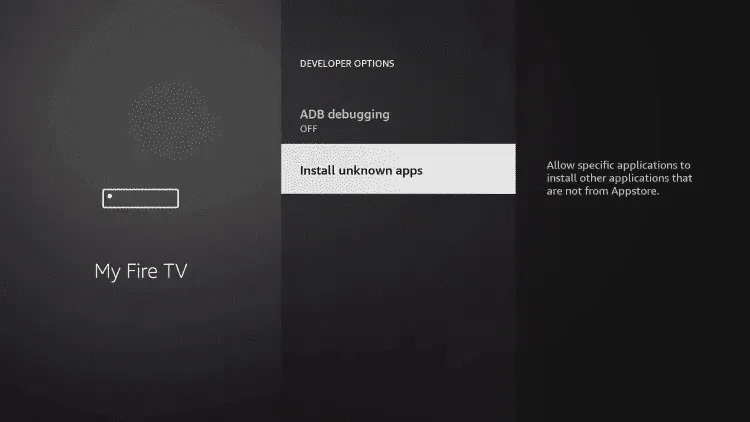
11: Find the Downloader app and click on it.
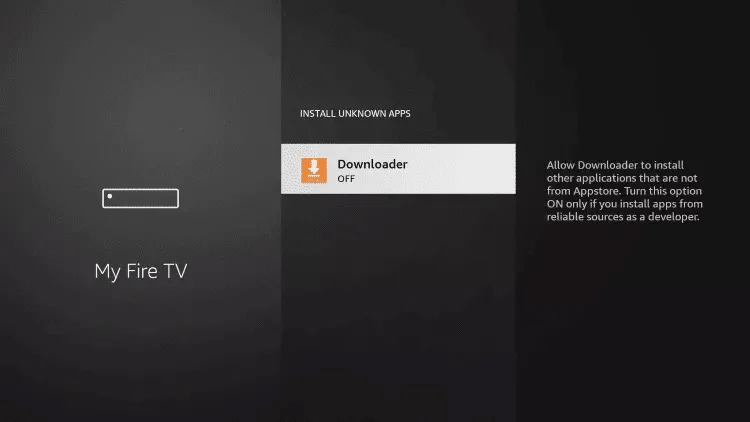
12: This will enable unknown sources for Downloader.
13: Launch the Downloader app.
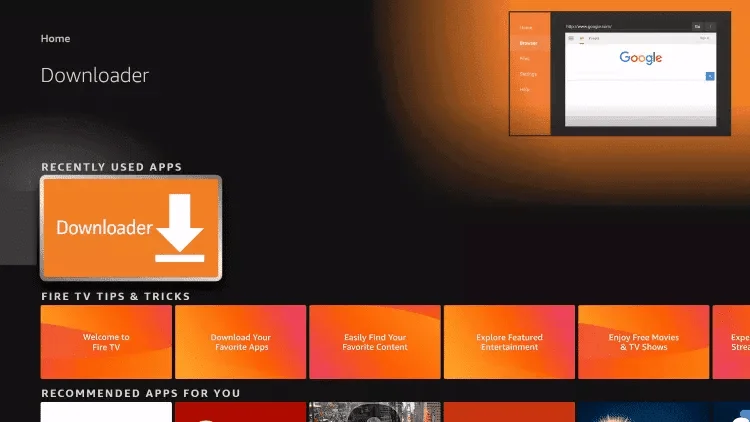
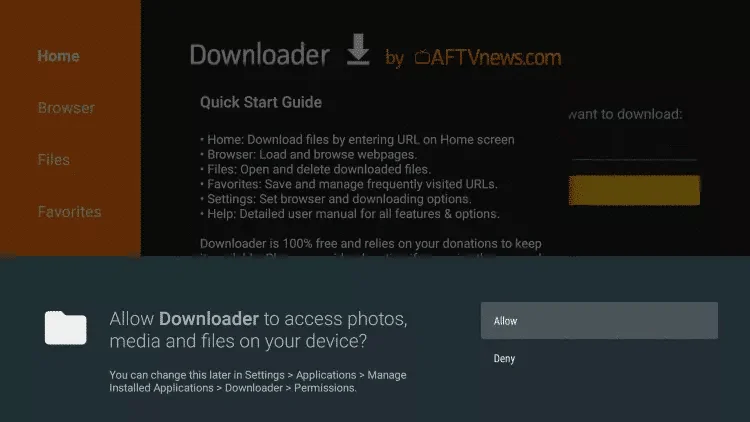
14: Click "Allow".
15: Click "OK".
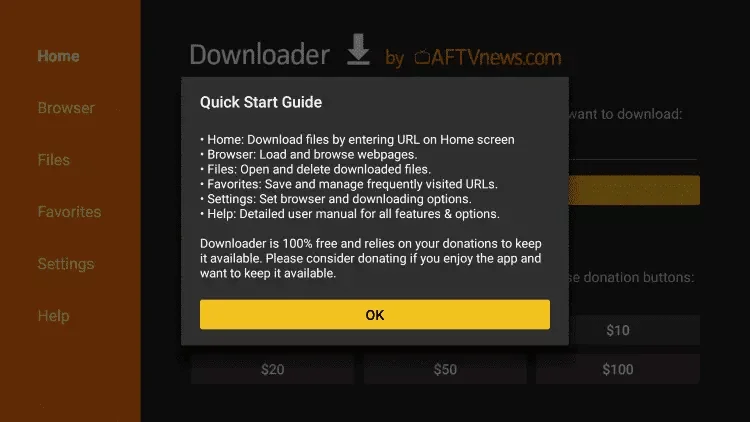
16: Enter the following URL exactly as shown:
8k player VIP (free for Ultimate VIP members)
Downloader code: 439873
Short URL: 2u.pw/8kv
Hot player (€5 extra)
URL: https://apk.hotplayer.app/
Or use the code: 395800
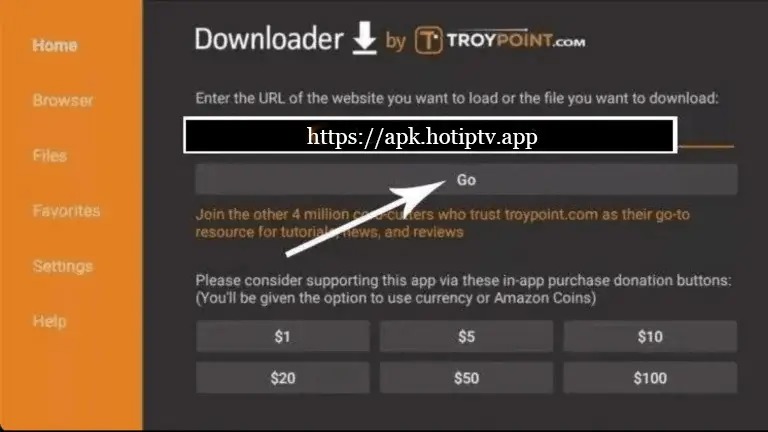
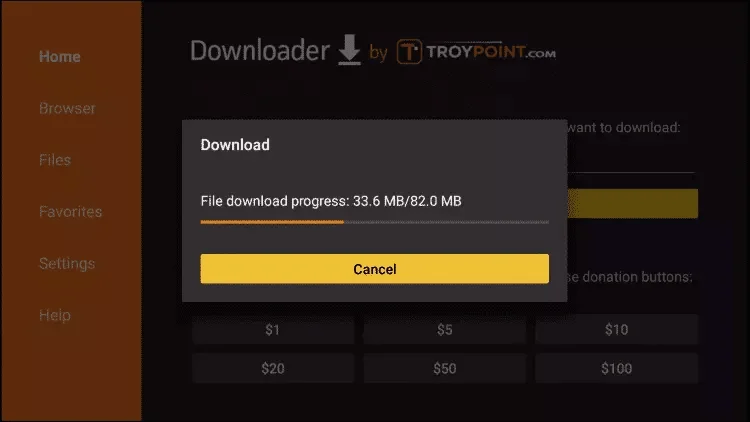
17: Wait for the file to download.
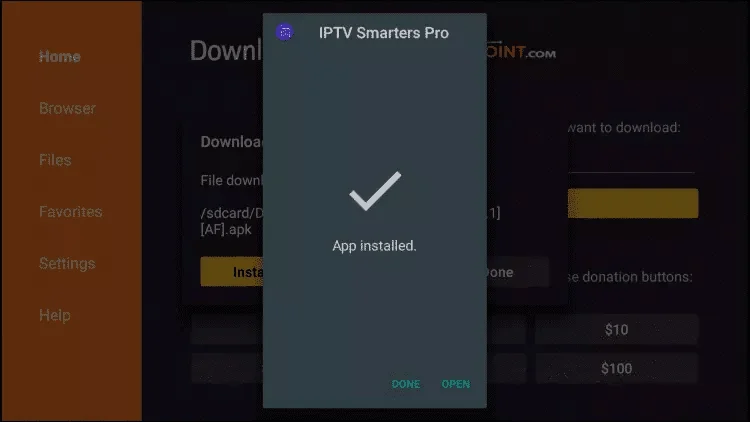
18: Click "Install".
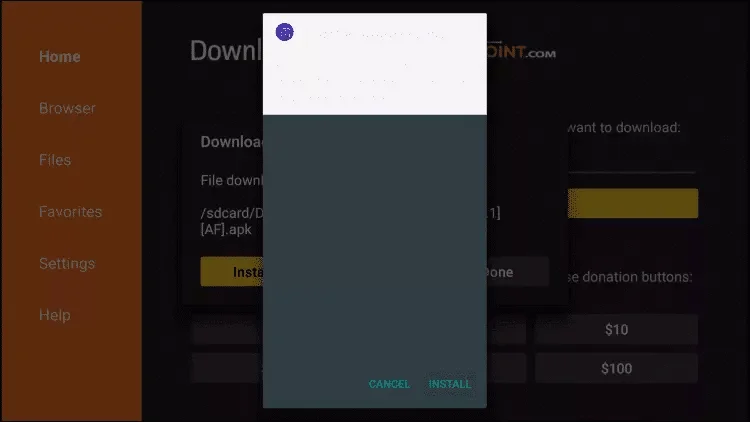
19: Click "Done".
20: Open the app and enter the login credentials provided by Streamisly via chat.
After installation, copy the MAC address displayed in the app:
From a browser, go to: https://hotplayer.app/upload
Paste your MAC address, then click Next.
Paste the M3U link provided by Streamisly and click Save.
Go back to the HOTIPTV app and click Reload. Enjoy your channels!
Download the app from: App Store or directly via vuplayer.pro
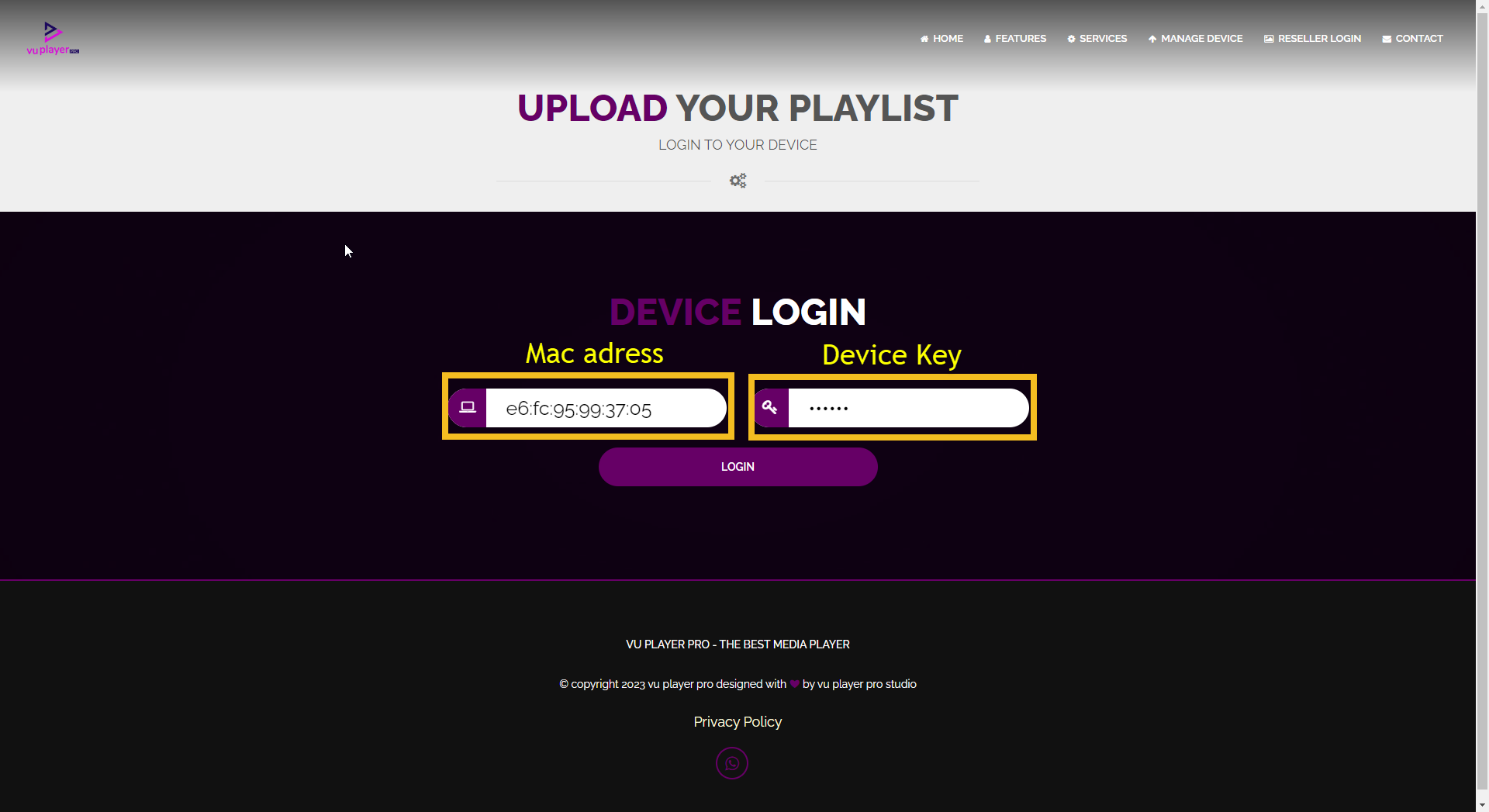
Open the app and copy your MAC address and device key:
Go to: https://vuplayer.pro/login from your phone or PC.
Enter your MAC address and key, then click Add Playlist.
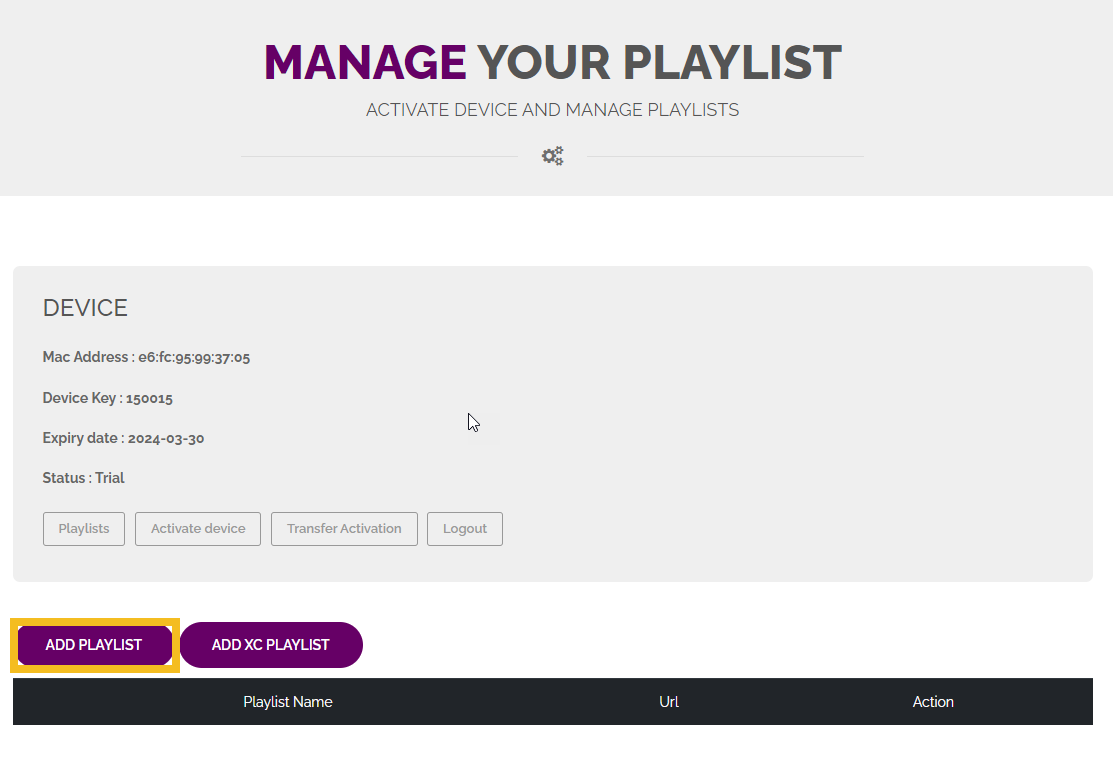
Add the M3U link provided by Streamisly and click Save.
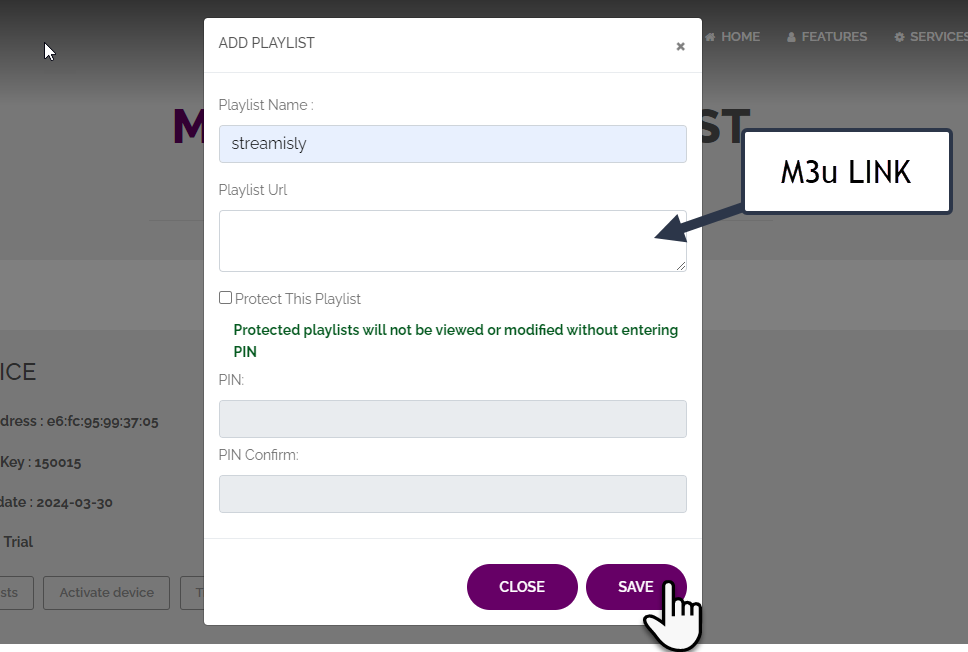
Go back to the Vu Player Pro app and click Reload.
Download the HOT IPTV app from your TV's store (Samsung or LG).
For Android and Fire TV, install the app manually with this link: https://apk.hotplayer.app/ or use the Downloader code: 395800.
For Apple iOS devices, search for HOT PLAYER in the App Store.
Once the app is installed, open it and copy the MAC address displayed
On your phone or PC, open a browser and go to: https://hotplayer.app/upload
Insert the copied MAC address and click Next.
Insert the M3U link provided by Streamisly in the chat and click Save.
Go back to the HOT IPTV app on your TV and click Reload. Enjoy!
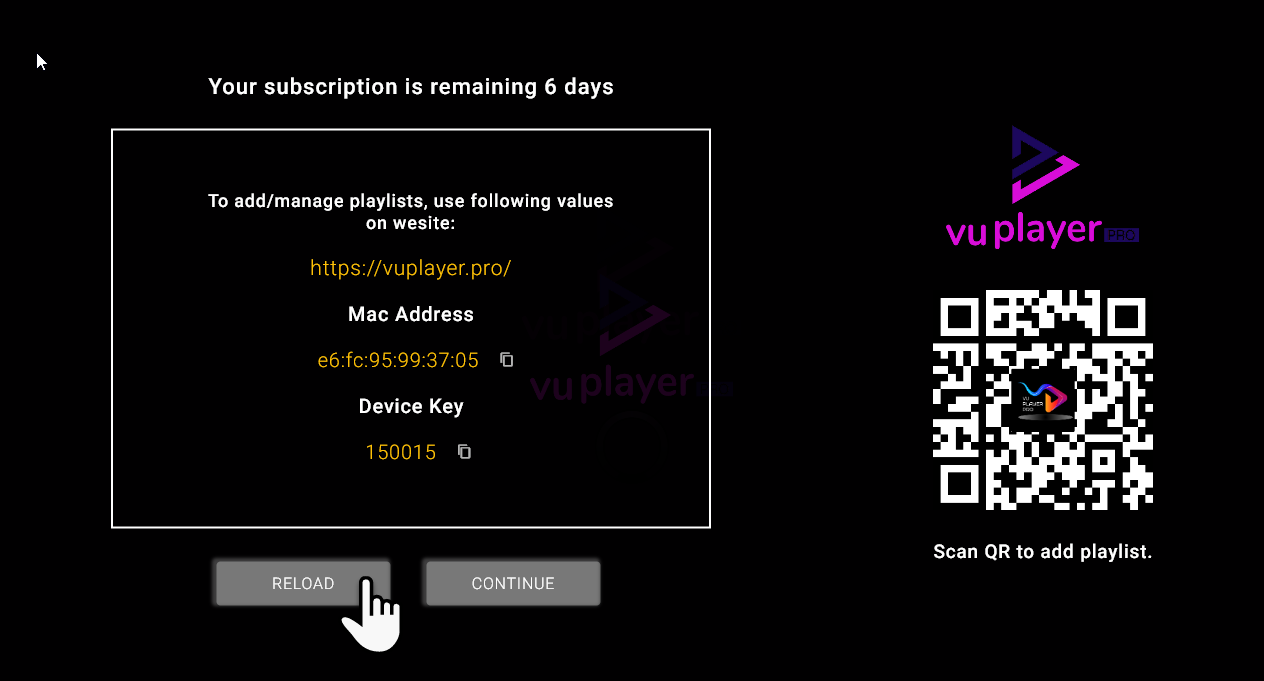
Download the Vu Player Pro app from your TV's store.
Open the app, copy the MAC address and device key (Device Key).
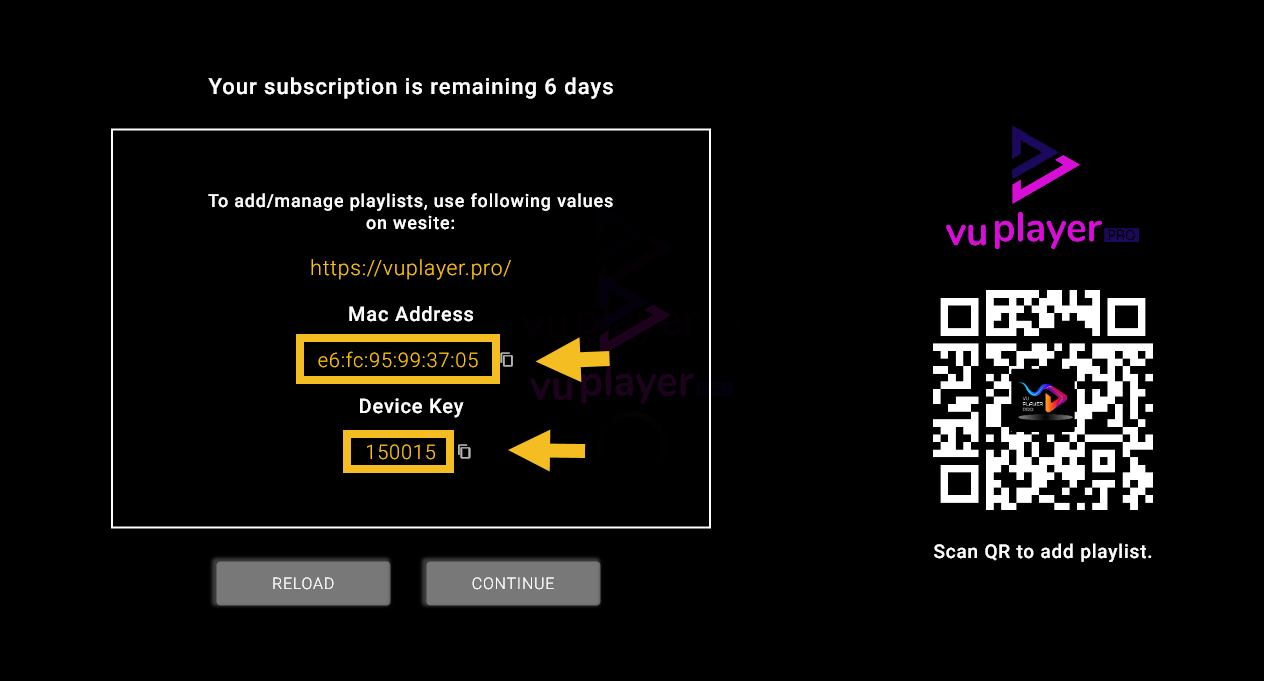
From your phone or PC, go to: https://vuplayer.pro/login
Insert the MAC address and device key.
Click Add Playlist, then insert the M3U link provided by Streamisly. Click Save.
Go back to the Vu Player Pro app on your TV and click Reload.
After installation, open the app and copy your MAC address:
Go to https://hotplayer.app/upload from your phone or computer. Enter your MAC address and click Next:
Enter your M3U link provided by Streamisly and click Save:
Go back to the app and click Reload. Enjoy!
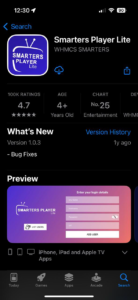
Install Smarters Player Lite from the App Store:
Click ADD YOUR PLAYLIST (via XC API):
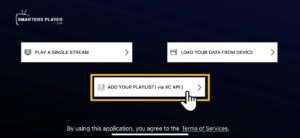
Enter the Xtream codes provided by Streamisly:
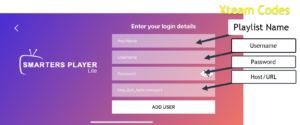
Download Vu Player Pro from the App Store:
https://apps.apple.com/us/app/vu-player-pro/id6449420114
Open the app and copy the MAC address and device key:
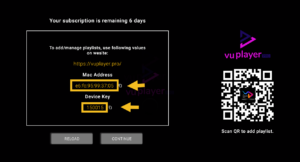
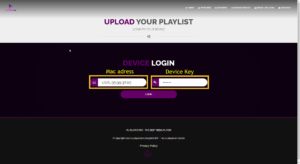
Go to https://vuplayer.pro/login and enter the MAC address and device key:
Click Add a Playlist:
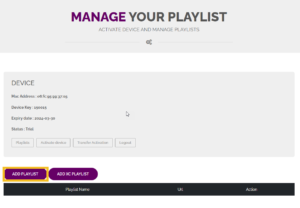
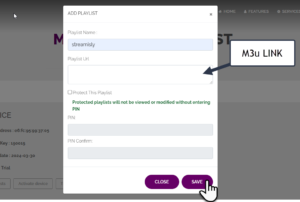
Insert the M3U link provided by Streamisly and click Save:
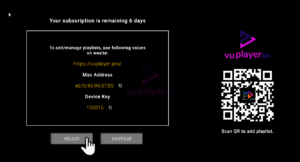
Go back to the Vu Player Pro app and click Reload:
Download the app via this link: https://www.iptvsmarters.com/download/?download=windows_app
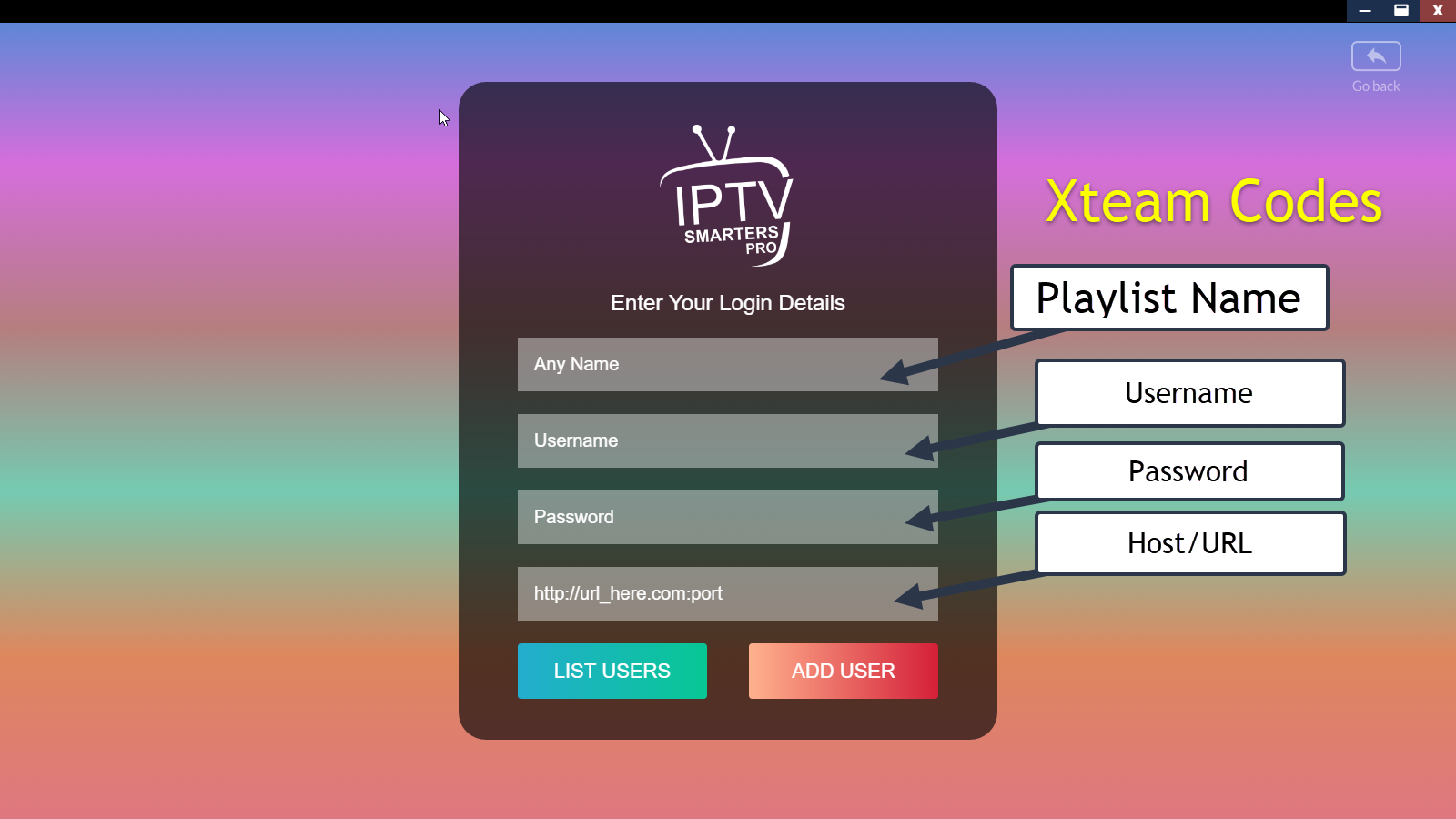
After installation, open the app and enter the Xtream Codes credentials provided by Streamisly.
Download the app via: https://vuplayer.pro
Download Vu Player Pro from the link above.
Open the app, copy the MAC address and device key:

Go to: https://vuplayer.pro/login and enter the MAC address and device key.

Click Add Playlist, then insert the M3U link provided by Streamisly.

Go back to the app and click Reload to update the playlist.

Download Vu Player Pro via: https://apps.apple.com/us/app/vu-player-pro/id6449420114