

































Start your subscription in under 2 minutes.
Smooth quality guaranteed – even with an integrated VPN.
All your transactions are encrypted and protected.
More than 230,000 channels and VOD from the UK, USA, EU, Asia, and more.
Smart TVs, Android boxes, iPhones, PCs, Firesticks, tablets, and more.
Support available anytime to assist you.
Supports all TVs and systems 








Get your IPTV login codes by email within 5 minutes to 1 hour (check your spam folder).
Get It NowWatch all your favorite shows with SMARTER ONE IPTV
Watch football, basketball, and all major sports events with SMARTER ONE IPTV.
Unlimited access to nationl and international films. Watch the latest series on demand.
Your favorite programs live on all available national TV channels.
Explore captivating documentaries in high definition: history, nature, science, and more.
Cartoons and educational content for children, available anytime.
Stay up to date with continuous news through 24-hour channels.
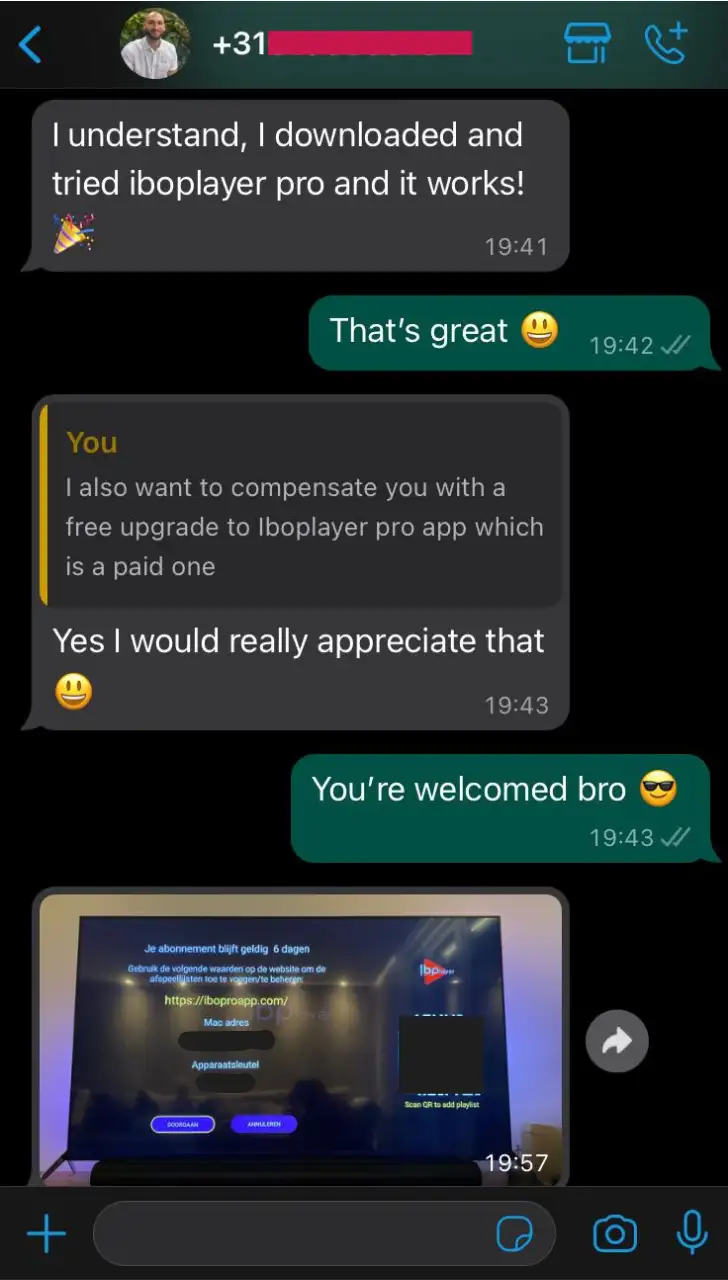
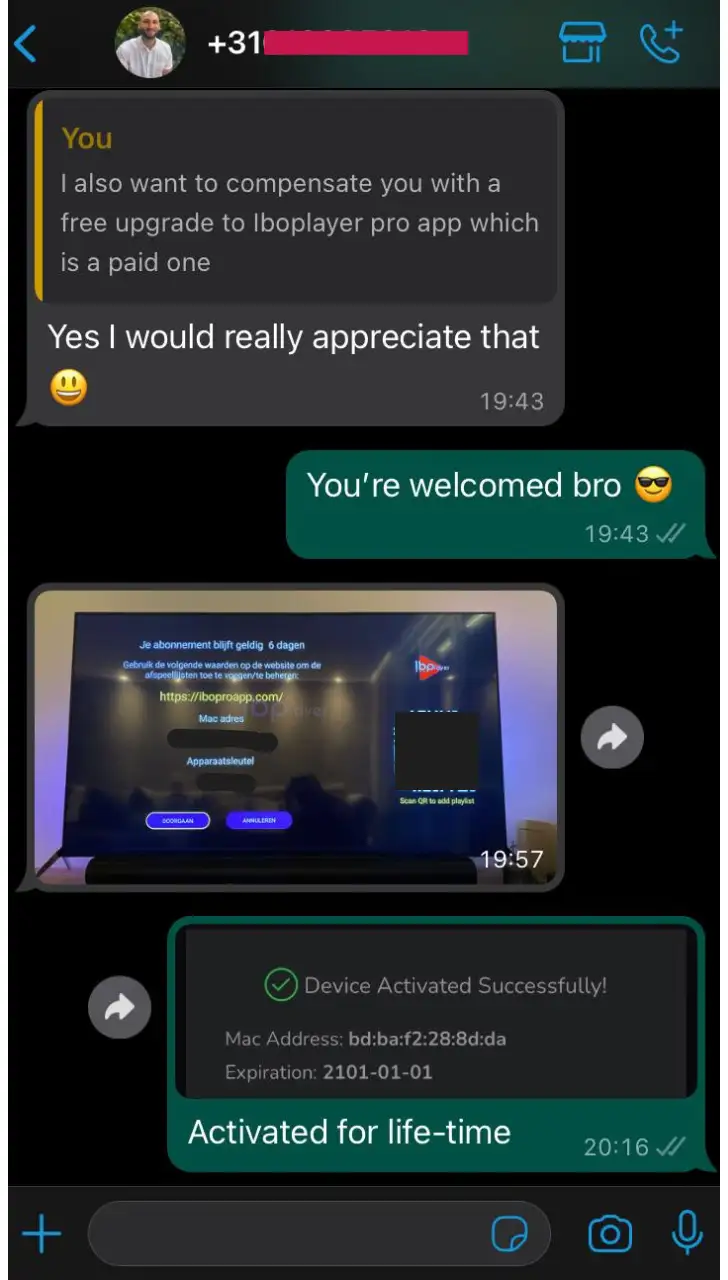
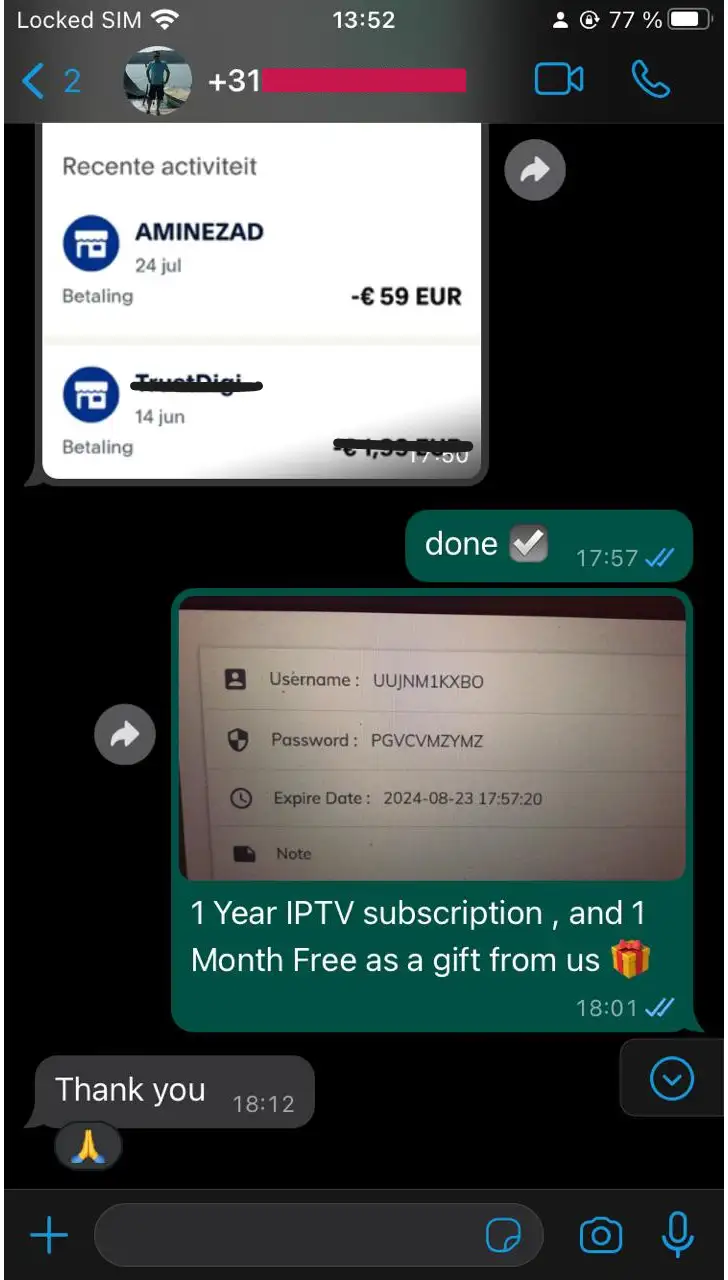
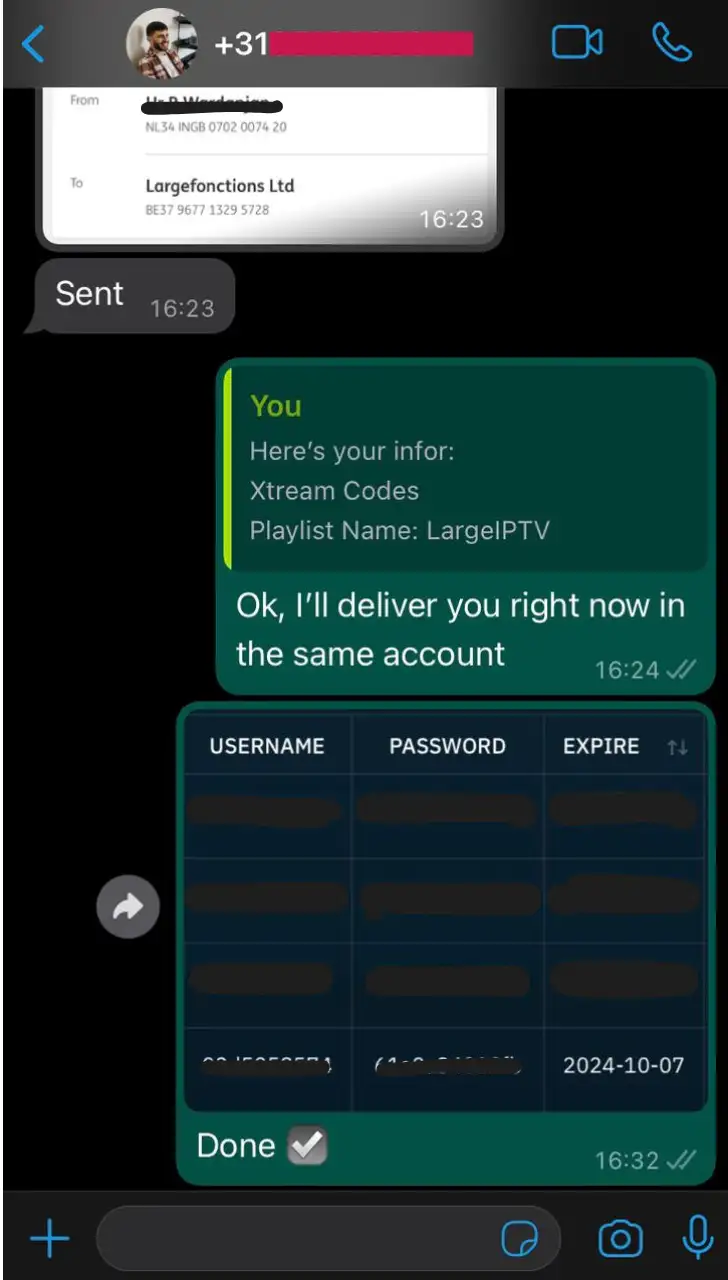
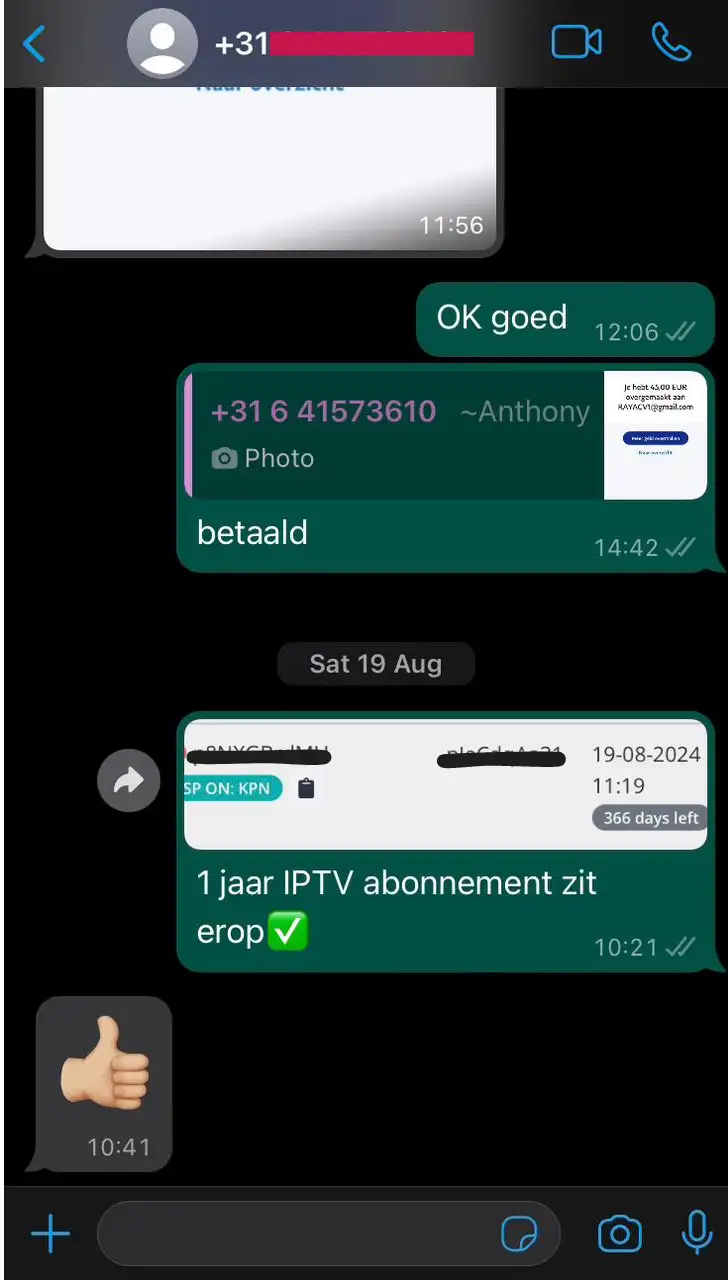
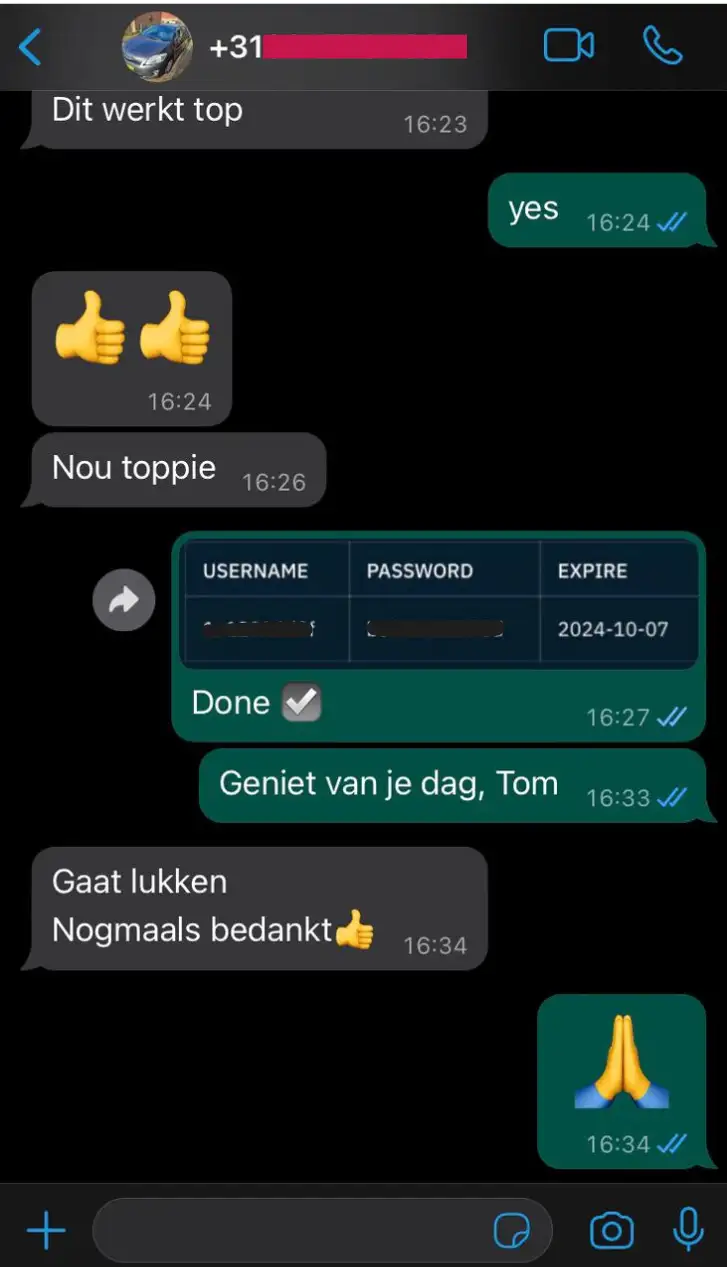
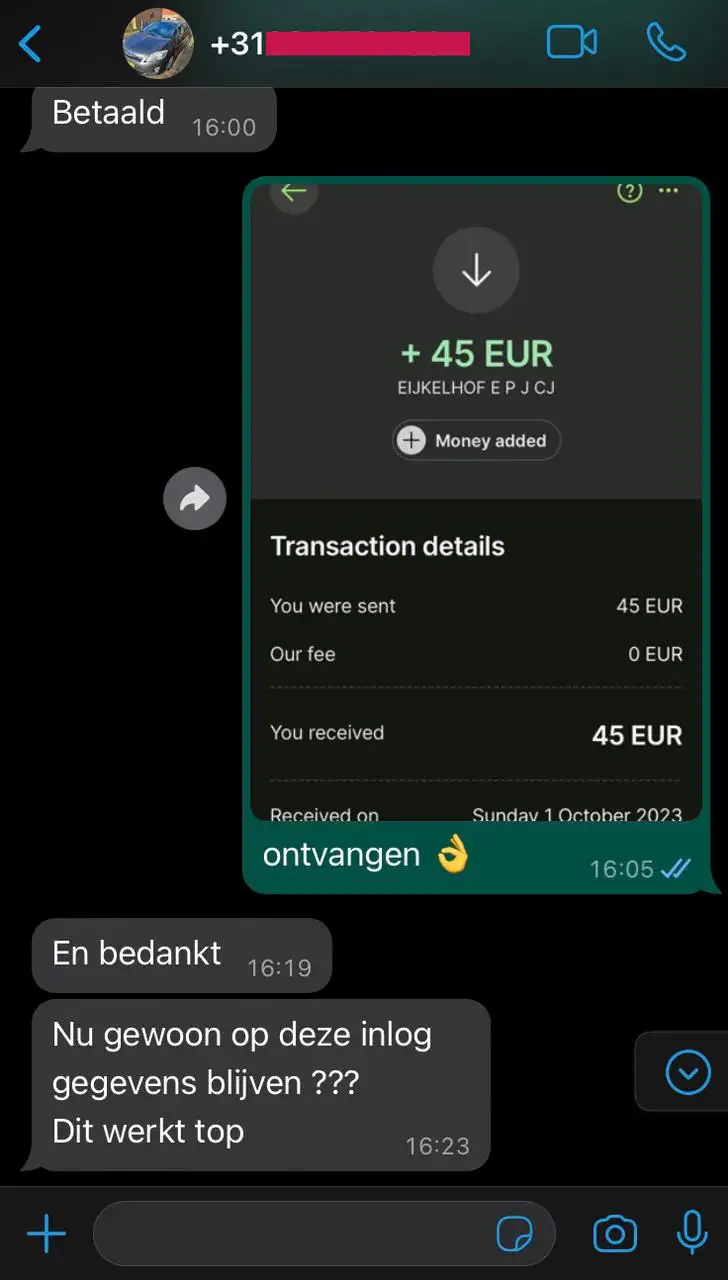
Discover real reviews from our customers about our IPTV service. With their Premium IPTV subscription, they enjoy smooth streaming, HD/4K quality, and professional support. Read these testimonials to see how our service meets their expectations every day.
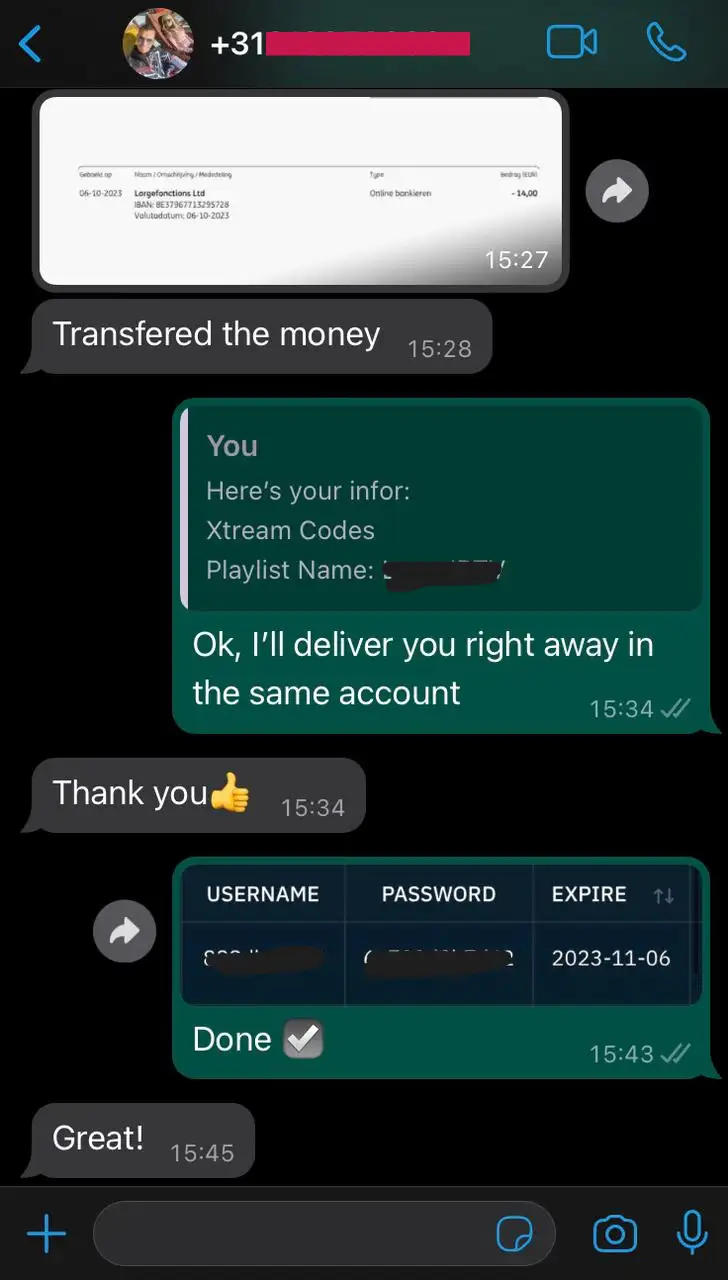
Once your order is complete, you will receive an email with all the instructions to install and activate your IPTV service in less than 2 minutes.
Yes, SMARTER ONE IPTV works on Smart TV, Android, iPhone, PC, Firestick, tablets, and more.
Absolutely! Our service is 100% compatible with VPN for maximum privacy.
Click on edit playlist and select the 8K VIP VPN playlist, re-enter your username and password, and clear the app cache.
First, try clearing the app cache and restarting your WIFI router. If nothing works, contact us via chat with your MAC address.
Contact us via WhatsApp and we will send you a different URL host
Contact us via chat support and we will send you a different URL host
To install SMARTER ONE IPTV, download the recommended app via our complete installation guide . Then open the app, enter your login credentials (username, password, and URL) that you received after ordering, and confirm. Your channel list will load automatically and you can enjoy all our premium IPTV services.
Check other channels: Switch to other channels to see if the audio problem persists. This can help determine whether the issue is specific to one channel or more general. Also try the HD, UHD, 720p, or HEVC versions.
Internet connection: Make sure your internet connection is stable. A weak or unstable connection can cause buffering issues and affect audio. You can try restarting your router or modem.
Restart your IPTV box or app: Sometimes a simple restart of the IPTV box or app you're using can resolve temporary errors.
Audio settings: Check the audio settings on your IPTV box or app. Make sure the volume is enabled and the audio output settings are properly configured.
Software/firmware update: Check that your IPTV box or app has the latest update. Outdated software can sometimes cause compatibility issues.
Try another device: If possible, try accessing the IPTV channel on another device to see if the problem is related to a specific device.
Reset to default settings: As a last resort, you can consider resetting your IPTV box or app to factory settings. Warning: This will delete your preferences and settings.
Contact technical support: If none of the above steps resolve the issue, contact your IPTV provider's technical support for assistance. They can identify and resolve the specific problem.
Two possible causes: the app is blocked or the MAC address has changed after a power outage at your location.
Solution:
• Try restarting the device you're using to run the IPTV app. This can help resolve errors or temporary issues.
• Restart your Wi-Fi router.
• If the MAC address has changed, contact us so we can connect you with the new MAC address.
Causes:
1- This is not an error. The channels are under maintenance and we are updating our channel list. If the problem persists for an extended period (more than 3 hours), please contact us via WhatsApp.
2- You are using two or more devices with the same account. Please use only one device.
Patience and waiting: In some cases, the problem may come from the provider, and the solution may take some time. Patience is important; it may be necessary to wait until the provider resolves the issue.
Solution: Turn off the Wi-Fi router and device for 5 minutes. Try again. Connect the device to the router with a LAN cable. If the problem persists, contact us to add VPN to your account.
Solution:
If you're using the TELEKOM network, be aware that during peak hours, network congestion is frequent as many users are online simultaneously. This can affect your IPTV streaming quality. Contact your internet service provider (ISP) to inquire about any congestion issues during these times.
Try switching to VODAFONE, as TELEKOM may have issues with streaming services during peak hours. Additionally, try connecting your device with an Ethernet cable (LAN) directly to the router.
Router placement and settings: Make sure your router is placed in a central location, without obstacles such as walls or bulky objects. Also check the router settings and, if possible, prioritize IPTV traffic to improve streaming quality.
Router firmware update: Check that the firmware (internal software) on your router is up to date. Manufacturers regularly release updates to fix performance issues and improve stability.
Use a wired connection: If you're using Wi-Fi, consider switching to a wired Ethernet connection. Wired connections are generally more stable and less susceptible to interference.
Reduce network load: Disconnect other devices from the network during the affected hours to reduce the overall load. This will free up bandwidth for better IPTV streaming.
Solution:
1- Check regional restrictions:
Some channels may be subject to geographical restrictions, which limit availability based on your location. Confirm this with your IPTV service provider.
2- Update your IPTV app or firmware:
Make sure you're using the latest version of the IPTV app or firmware on your device. Outdated software can lead to compatibility issues.
3- Try on another device:
If possible, try accessing the problematic channels on another device to check if the issue is device-related.
4- Check your internet connection:
A stable internet connection with high speed is essential for IPTV streaming. Run a speed test to ensure your connection meets the minimum requirements for streaming.
5- VPN or proxy issues:
If you're using a VPN or proxy, try disabling it temporarily. Some IPTV services may restrict access via VPN.
6- Contact us on WhatsApp to resolve the issue. Our technical team will assist you.
To subscribe to SMARTER ONE IPTV, we accept secure payments with bank card, PayPal, and other options.
Our technical support is available 24/7 to help you quickly via WhatsApp, email, or live chat.
Message us